Your default PDF reader
Set PDFSmart as the app that opens .pdf files. Double-click any PDF and it opens ready to edit.
Double-click a PDF and edit it. Your changes are saved back to the original file on your computer.
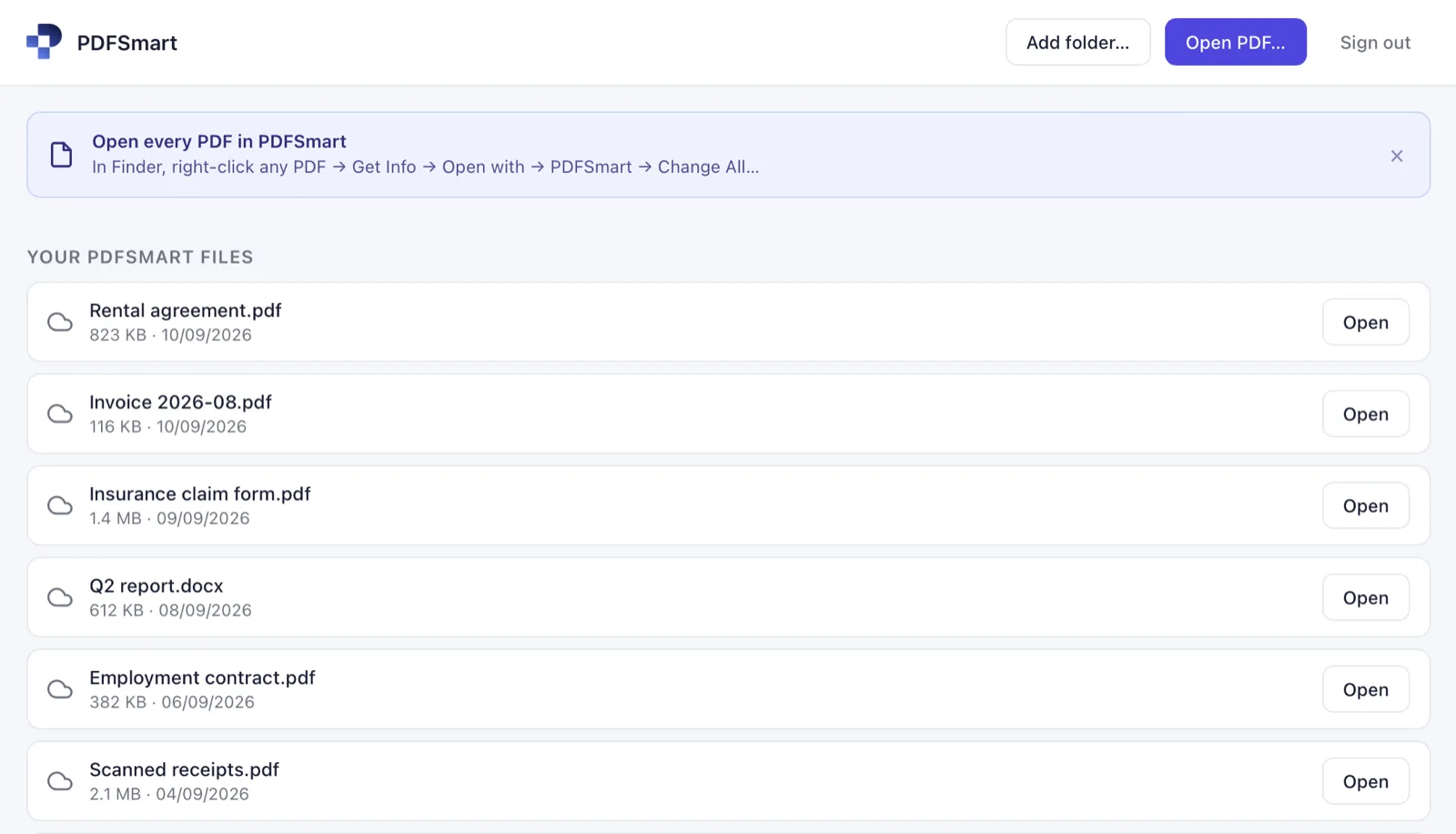
Set PDFSmart as the app that opens .pdf files. Double-click any PDF and it opens ready to edit.
Your edits go back to the PDF on your disk, where you left it. No stray copy in your Downloads folder.
Add a folder and its PDFs are listed next to your account files. Nothing is uploaded until you click Upload.
Sign in with a code sent to your inbox. Your files and your subscription are the same as on the website.