Scan to PDF with MobileMobile Scanner
Simply take a photo of your document with your mobile and view your scan on your computer.
 5,164 reviews
 DigiCert Secured
 Fast and easy scanning Real-time synchronization Compatible with all devices Edit the scanned document
The how to
The essential tool for mobile scanning
1. Scan your document
Just scan the QR Code with your mobile and follow the steps.
2. Edit or sign
Use professional editing tools and add legally binding digital signatures.
3. Secure Download
Download or share your encrypted documents with full audit trails and access controls.
 Scan a document
Features
Enterprise-grade tools for editing, signing, and securing business documents

 Editor
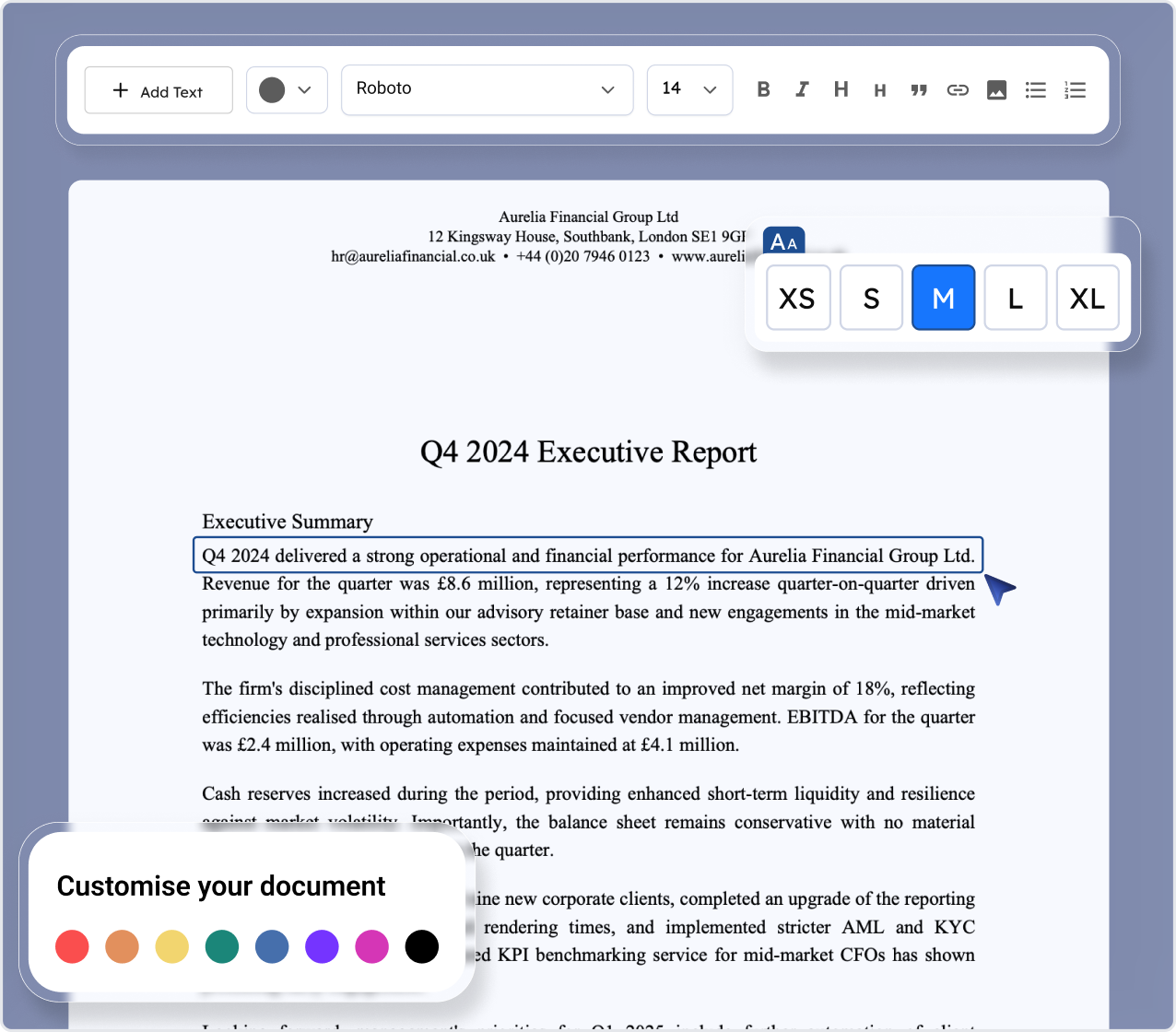

 Signatures
 Compress PDF
 Convert Word to PDF
 Split
Split
 Text recognition (OCR)
Teams from top companies use our tools
Browser extension
PDFSmart: One-click editing and management across Chrome and Firefox
Coming soon

Google Chrome
Edit PDFs directly from Chrome with one click. Perfect for web research and quick document editing.
Be the first to know when we launch
Available now

Mozilla Firefox
Seamlessly edit PDFs in Firefox. Open any PDF with PDFSmart for instant editing and conversion.
Add to Firefox★★★★★ • 4.8 rating
Enterprise document management
Professional tools designed for security, compliance, and productivity

Advanced Editing
Edit, annotate, and manage documents with version control and real-time collaboration.

Digital Signatures
Add compliant eSignatures directly within documents to speed up secure approvals.

Data Protection
Encrypt and control file access with enterprise-level security standards.

Access Control
Define roles and permissions to manage document access and sharing securely.

Audit Trails
Track every edit and signature with complete, verifiable activity logs.

Compliance
Stay aligned with GDPR and ISO standards through built-in governance tools.
Testimonials
Trusted by teams who move documents faster
"PDFSmart cut our document turnaround time by 60%. The drag-and-drop workflow is a game changer."

Sarah Chen
Operations Director
TechFlow Inc
"The integration with our CRM was seamless. Now our sales team can get contracts signed in minutes."

Michael Rodriguez
Sales VP
CloudScale Solutions
"Security and compliance were our top concerns. PDFSmart exceeded our expectations on both fronts."

Lily Bennett
Legal Counsel
FinTrust Partners
"PDFSmart cut our document turnaround time by 60%. The drag-and-drop workflow is a game changer."
Sarah Chen
Operations Director
TechFlow Inc

Business Pricing
Pricing plans that scale with your business
Choose the right plan for your team size. All plans include our core document management features with enterprise-grade security.

Limited Access
Perfect for small teams getting started
$1.00 for 7 days
then $49.99 /month
Start nowEditing tools
 Editing
File merging
PDF splitting
Compression
Rotate
Creation
Scan
Summary
Cropping
Translation
 Teamwork tools
Full Unlimited Access
For growing teams with advanced needs
$1.99 for 7 days
then $49.99 /month
Start nowEditing tools
Editing
File merging
PDF splitting
Compression
Rotate
Creation
Scan
Summary
Cropping
Translation

Full Unlimited Annual Access
Tailored solutions for large organisations
$99.00 /year
Start nowEditing tools
Editing
File merging
PDF splitting
Compression
Rotate
Creation
Scan
Summary
Cropping
Translation
Standard Monthly Plan
This is the standard monthly rate charged automatically once your trial period ends, unless you cancel beforehand.
$49.99 /month
Knowledge base
Recent articles
Frequently asked questions
Common questions about security, compliance, and enterprise features. Need more information? Contact our enterprise team
Business support
Dedicated account managers and 24/7 technical support for corporate clients.
Contact usHow to quickly scan a document and retrieve it in PDF format?

Can I edit my scanned PDF files directly after scanning them?
Why choose PDFSmart to scan and manage your PDF documents?
How can PDFSmart help me organise my scanned documents professionally?
Can I retrieve my scanned files on multiple devices?
Join millions of users who trust PDFSmart for fast, accurate document editing. No installation required, start editing right away.
5M+
Documents edited monthly
100+
Countries worldwide
24/7
Available anytime
Upload documentSecure & private